+
Create a note instantly
Press Ctrl+Shift+N in any app to create a new sticky note without switching windows.
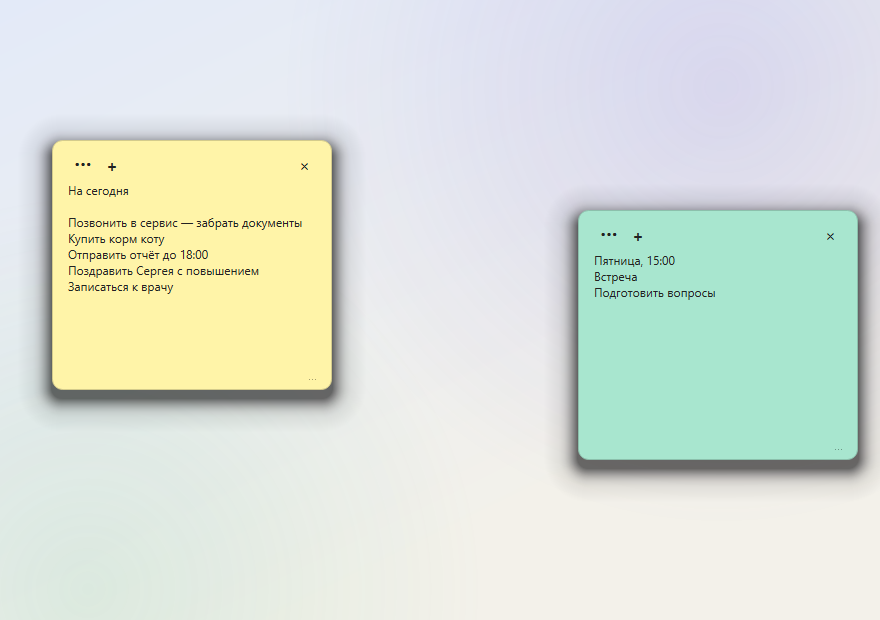
Stickio is a free sticky notes app for Windows. Write down a thought in seconds: the note stays on top of your windows and saves itself automatically.
Download for free
No feeds, boards, subscriptions or cloud account. Just notes where you left them.
Press Ctrl+Shift+N in any app to create a new sticky note without switching windows.
Your task list stays visible while you work in a browser, editor or any other app.
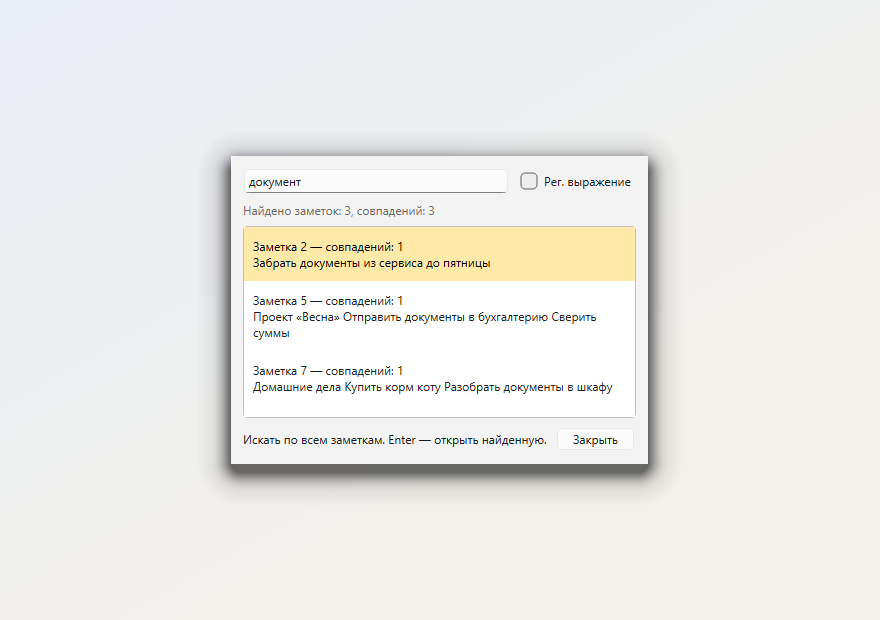
Ctrl+Shift+F finds a note among dozens of stickies and highlights matching text.
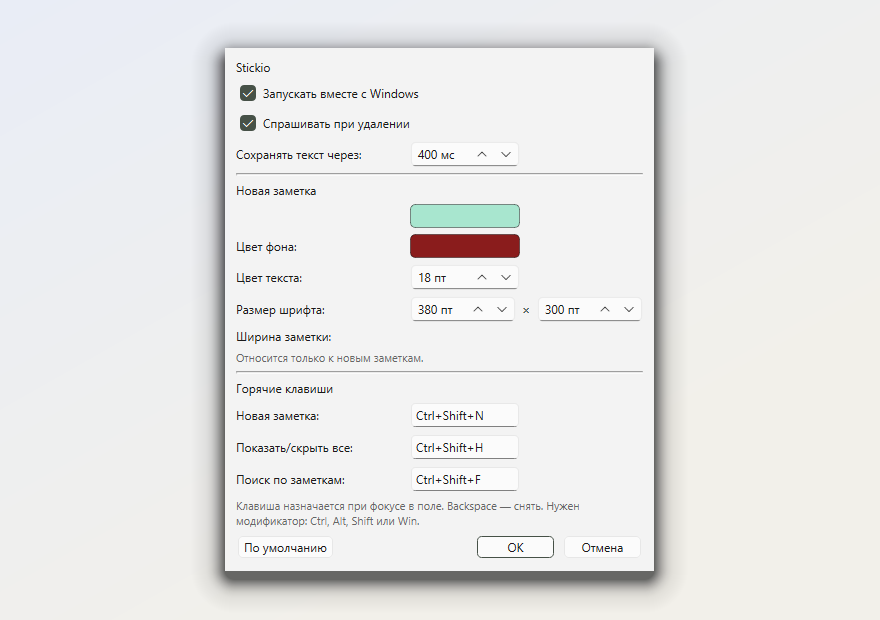
Choose from twelve background colors, text colors, font size and note width.
Text is saved while you type. There is no Save button to forget.
Notes are stored on your PC. No cloud, registration or internet connection.
Export notes to JSON or HTML and move them to another computer.
Create notes, show them all, open Settings or quit from the tray icon.
Enable one option and your notes will be ready after you sign in to Windows.
These are real application windows, not illustrations.
Yes. The entire program is free: no paid edition, subscription, ads, registration or account.
Only on your computer, in a local Stickio database. Notes are never uploaded to a cloud service.
No. Text is saved automatically while you type and remains after closing the app or restarting Windows.
No. Choose installation for the current user in the installer to install Stickio without administrator rights.
Yes. Use the tray menu to export notes to JSON or HTML and import them on another computer.
Stickio is available in English and Russian. You can switch the language in Settings.
Stickio 1.2.0 for Windows 10 and 11. Free and without registration.
SHA-256:
a2d8c47fae7a4a5a
